Detect and stage frames
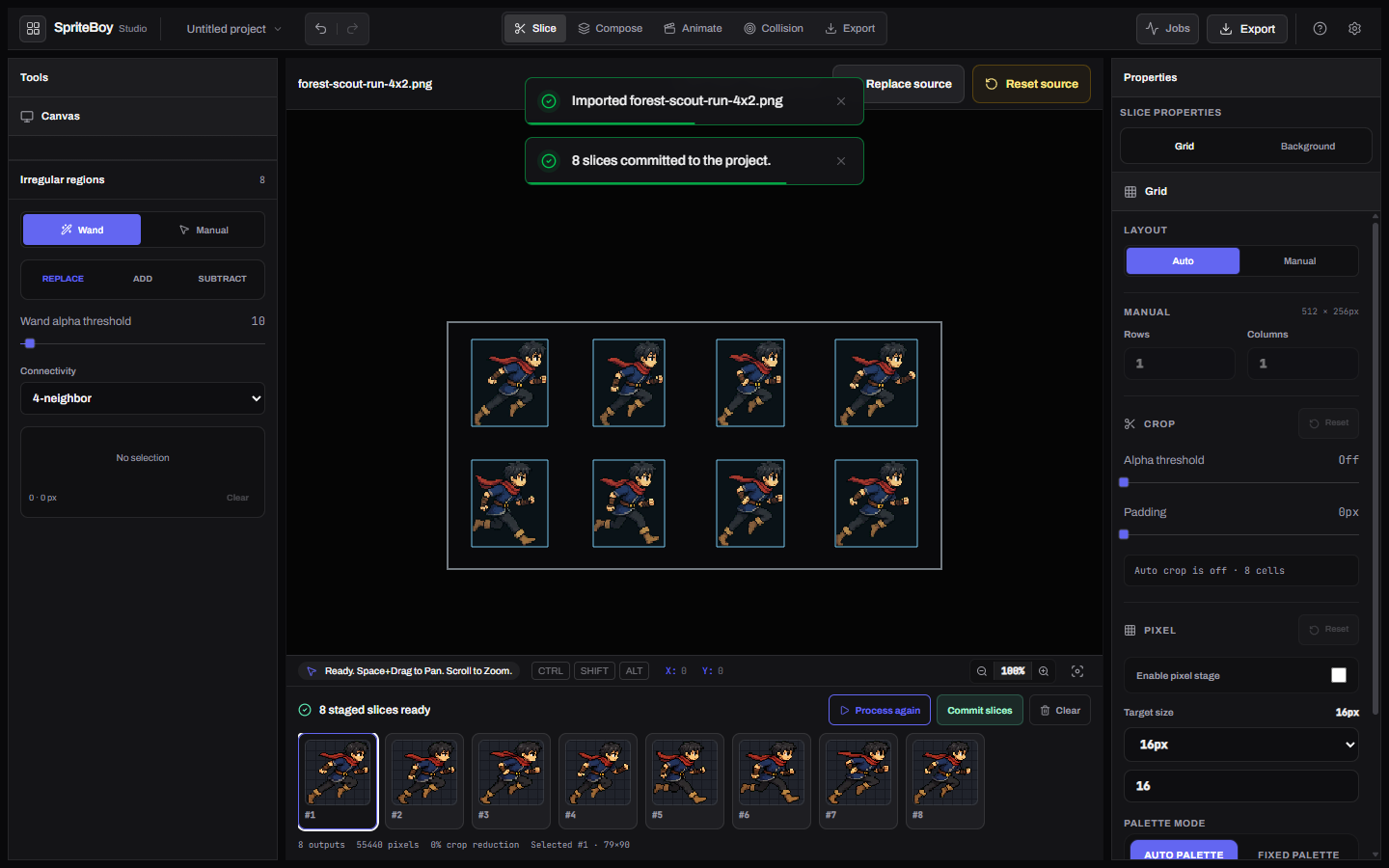
Import the committed sheet, detect sprites, crop, and stage eight running frames.
bun run dev# Slice workspace# forest-scout-4x2.pngSpriteBoy Studio
Move one spritesheet through slicing, composition, collision, and export.
bun install --frozen-lockfile --ignore-scripts
Demo
The forest-scout walkthrough. Switch rooms on this page.
Import the committed sheet, detect sprites, crop, and stage eight running frames.
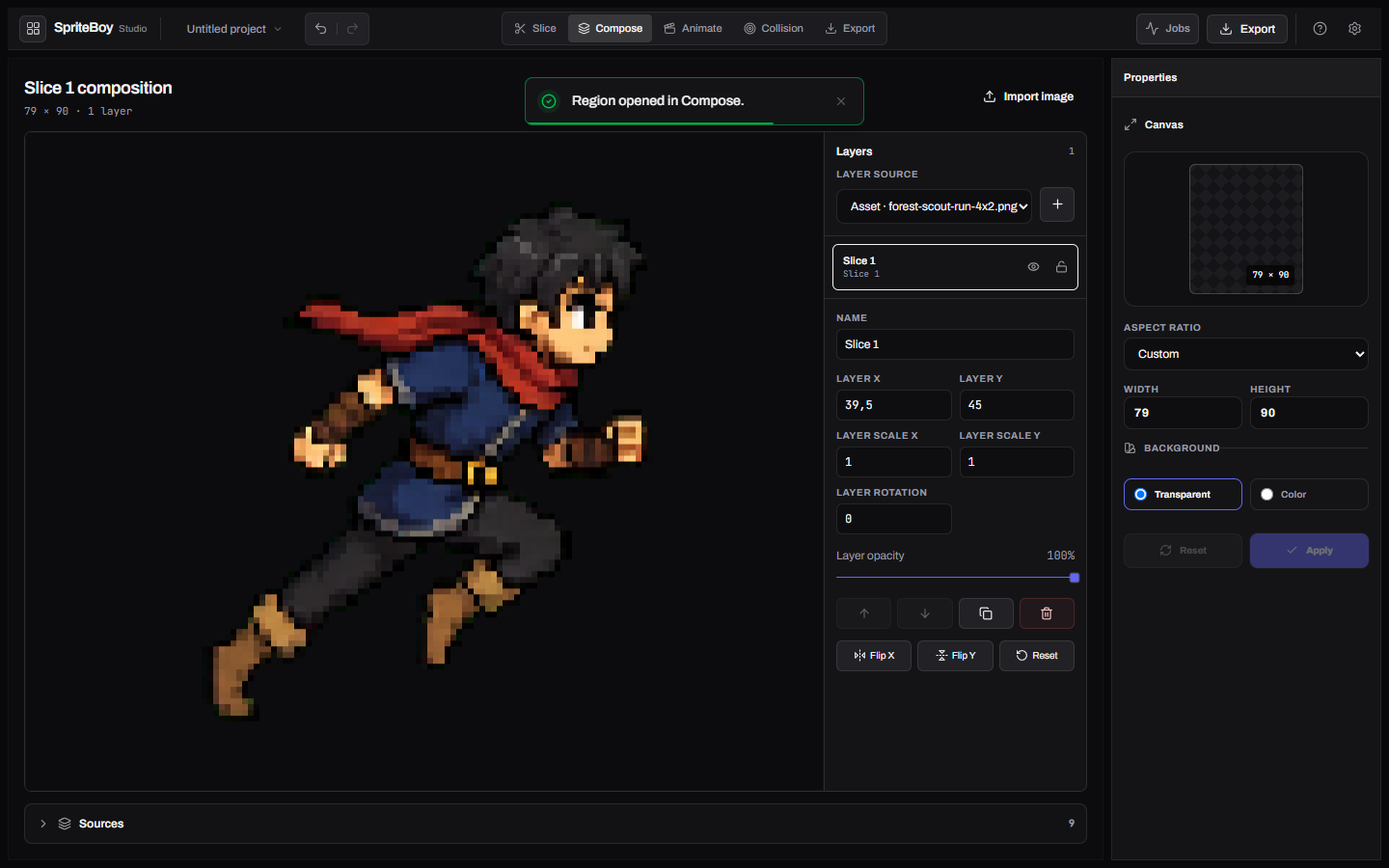
bun run dev# Slice workspace# forest-scout-4x2.pngSend one staged region into Compose. The canvas must stay non-empty after reload.
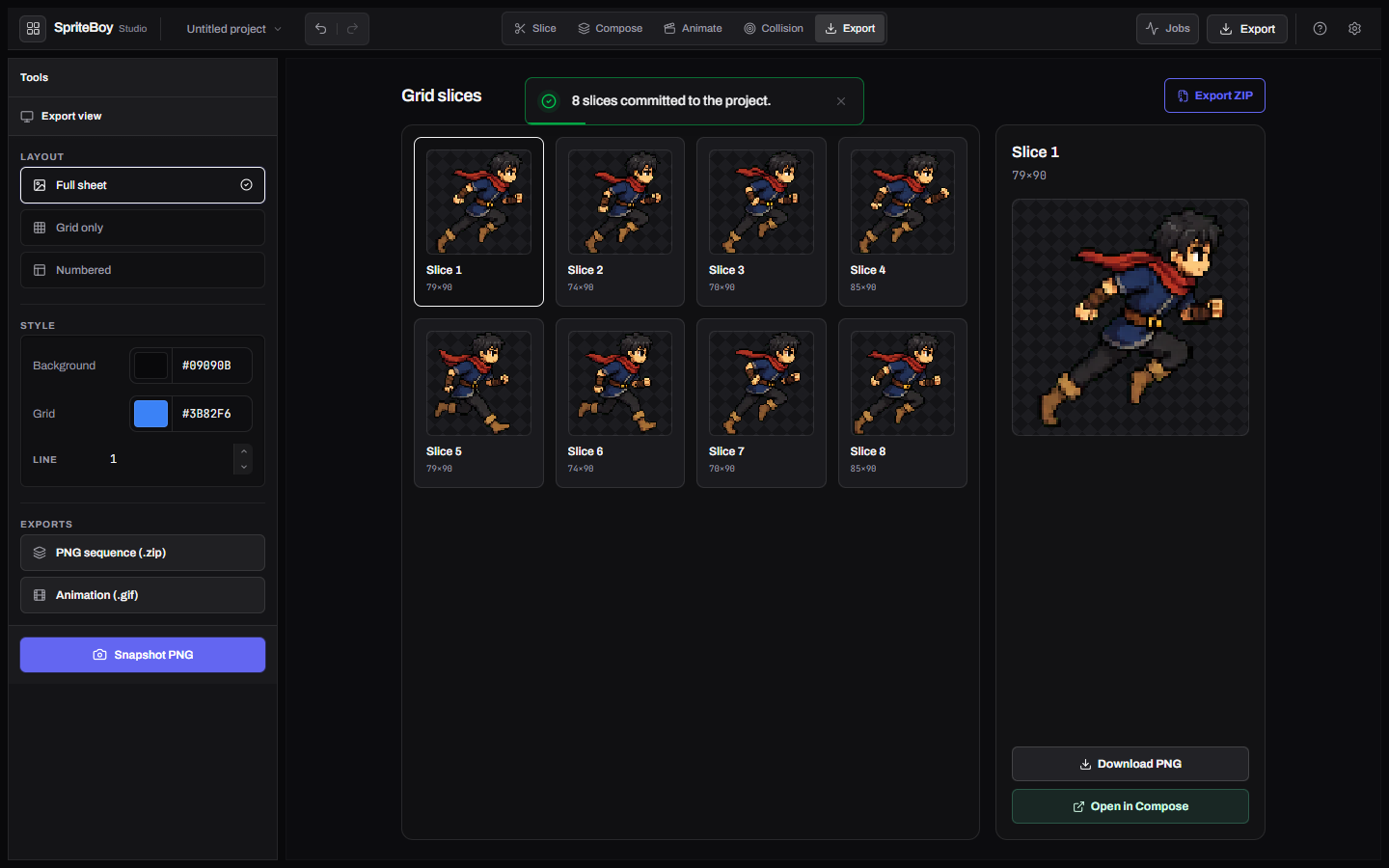
Produce PNG, ZIP, GIF, and code export from the eight committed frames.
One project graph
Detect, crop, clean, and stage source frames.
Arrange regions and assets on the compose canvas.
Sequence frames and inspect timing in context.
Produce PNG, ZIP, GIF, and engine-ready data.
Screens
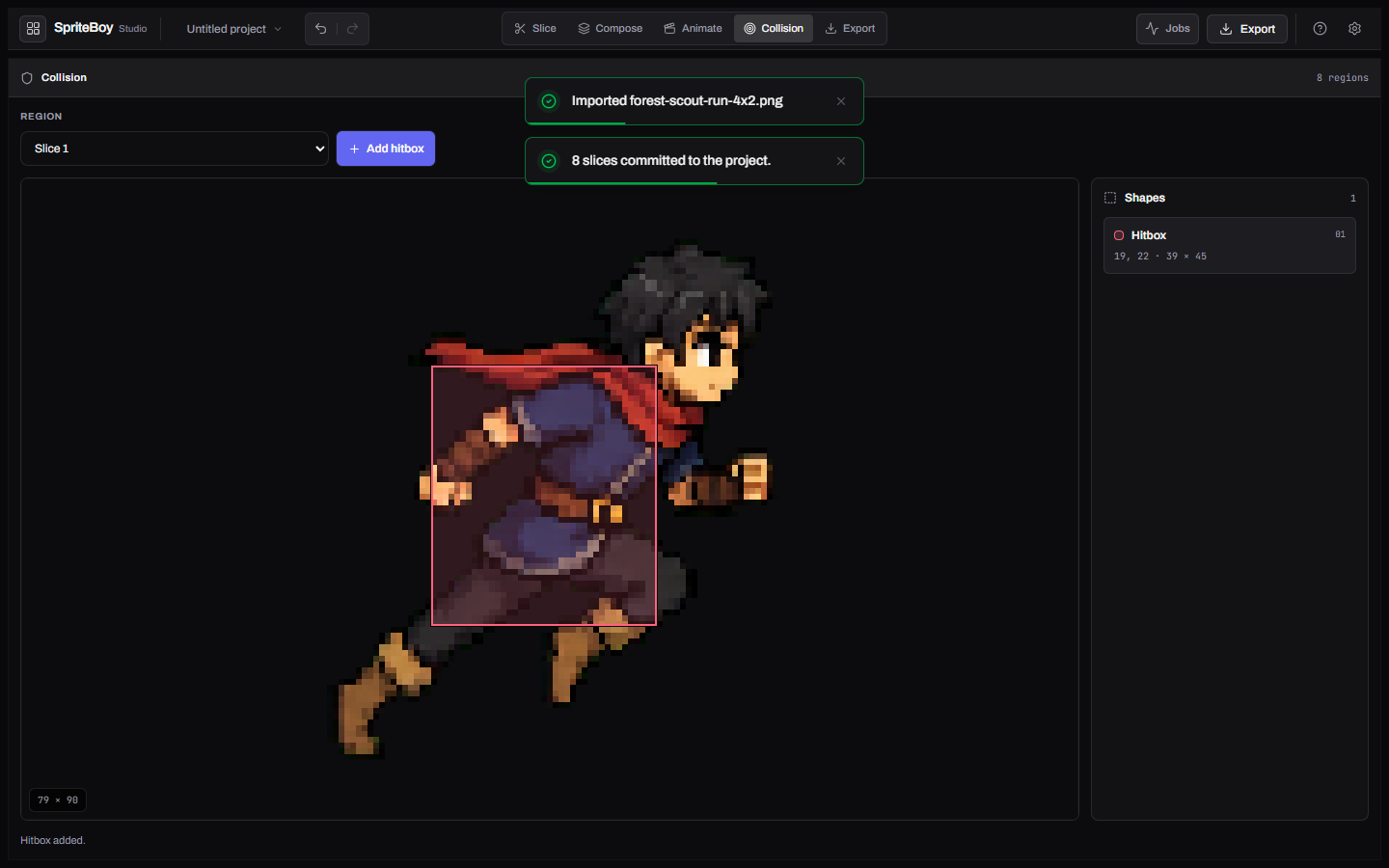
These photos come from the real app. Drag to see more, or open any screen in full view.
Docs
Start with the product tour. Architecture and contribution notes live in the repository.
Start
bun install --frozen-lockfile --ignore-scripts
Then run bun run dev. Node 24+ is required alongside Bun 1.3.14.
Links
Limits
These screens come from the forest-scout walkthrough, not a marketing mockup.
The studio ships an English UI. Do not invent extra locales here.
Generated by gh-pages-template from examples/sprite-boy/site.yaml.
Local project data. Real browser gates. English interface.
Sponsor maintenance